
[K] Freestanding kernel
A 64-bit C/asm kernel with its own GDT/IDT, paging, physical and virtual memory managers and a preemptive scheduler. Ring 0 kernel, Ring 3 apps via SYSCALL/SYSRET.
// the full tour
MayteraOS is a complete, self-built system: an AI that can drive and reprogram the machine, broad foreign-software compatibility, real multiprocessing and networking, and a desktop with its own apps. The screenshots below are real framebuffer captures.
// the headline feature
MayteraOS ships a built-in AI chat assistant that does not just talk: it reads the same tool contracts every app publishes, operates apps on your behalf, and, with your consent, can generate and run brand-new ones, all under a capability-token and audit system.
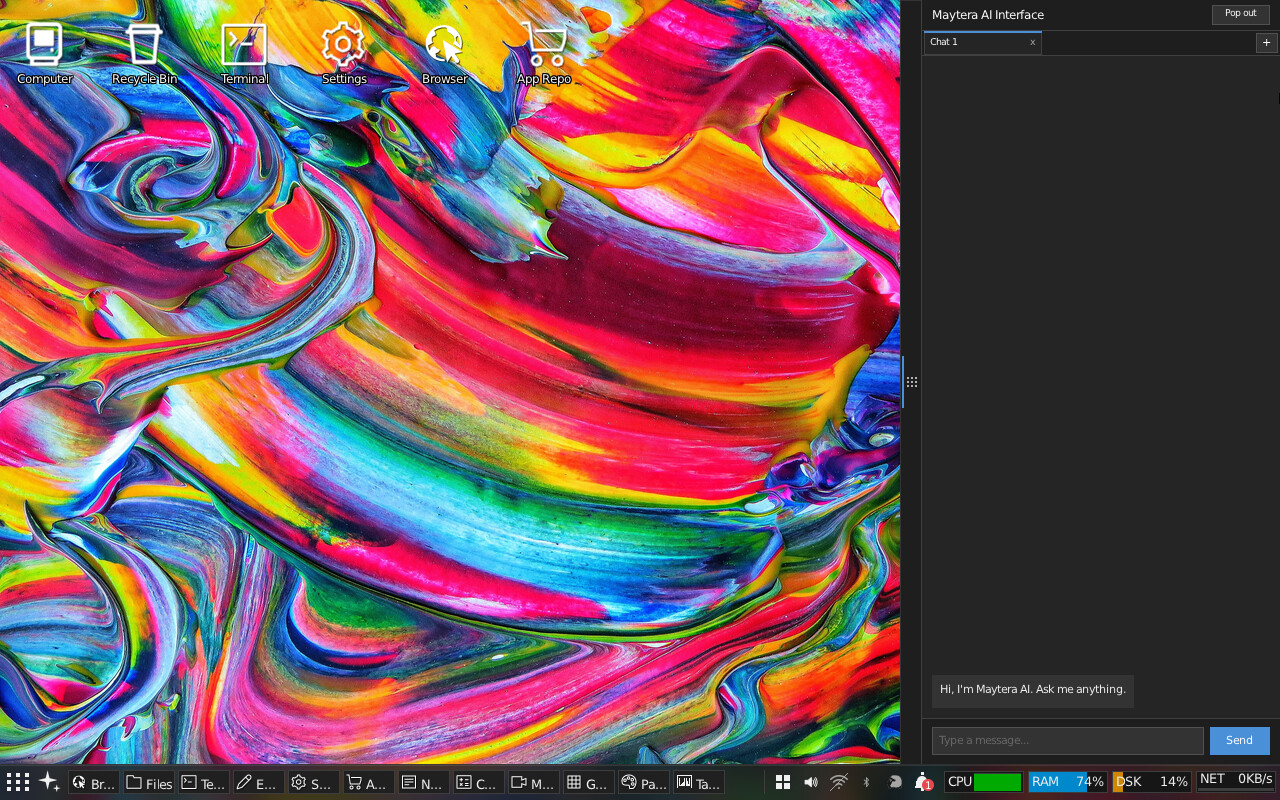
Every app, widget and game ships a machine-readable YAML tool contract. The assistant reads these contracts to discover what it can do, then calls them through a loop of actions and observations: list files, open a web page, read the weather widget, change a setting.
It goes further than operating what already exists. Describe a small app or widget in plain English and the assistant can generate real source for it, compile it, and launch it as a running window, with no code shown to you unless you ask to see it. In a verified run, “build me a tip calculator” produced a correctly-working app from a single request.
Proven: reading state, operating apps, and one-shot app generation and launch. Designed but not yet proven end to end: conversational follow-up edits to an already-running AI-built app, and moving capability enforcement from the userland AI client into a protected kernel-level core.
// run other people's software
MayteraOS includes an NE executable loader and a from-scratch Win16 translation layer that implements the classic KERNEL, USER and GDI APIs on its own kernel and compositor, plus a 16-bit OLE2/COM implementation for richer software. This is a compatibility capability, not bundled content: MayteraOS does not include or distribute third-party commercial software. You supply the program.
.SCR screensaver hosting, alongside a native screensaver system// the engineering underneath
A 64-bit C/asm kernel with its own GDT/IDT, paging, physical and virtual memory managers and a preemptive scheduler. Ring 0 kernel, Ring 3 apps via SYSCALL/SYSRET.
Brings up application processors through INIT/SIPI into long mode and schedules user applications across every core, not just the boot CPU: confirmed live with zero panics on real hardware (8 of 8 cores on a laptop, 4 of 4 on an iMac). It is on by default now, with a single whole-kernel lock being narrowed piece by piece: under the un-narrowed lock, adding cores made the desktop compositor slower, and a first narrowing pass fixed that, taking the compositor from 8 to 31 frames per second at four cores and input latency from 32.8 ms to 8.2 ms by moving one syscall out from under the lock. The lock is still held 72.6% of the time, down from 96.7%; narrowing the rest is ongoing.
A from-scratch TCP/IP stack: ARP, IP, UDP, TCP, DHCP, DNS, with a TLS 1.2/1.3 client (real certificate chain and signature verification, not just parsing) and a real HTTP/2 browser (HPACK, flow control, ALPN).
Position-independent executables and a whole-image W^X gate across every shipped binary, per-process address randomization and stack canaries seeded from the kernel's own CSPRNG, SMEP, and a syscall boundary where all 132 pointer-taking calls are validated at one chokepoint, enforced by a build-failing lint. Each claim is backed by evidence, not just a flag; see the hardening page for what is enforced, partial or still planned.
A userland compositor with draggable windows, translucent glass windows over an animated, window-reactive wallpaper, drop shadows, a taskbar, a YAML-driven tray menu, desktop widgets and a desktop pet, all in a CDE/Motif aesthetic. Alt+Tab cycles between open windows, and the terminal completes commands and paths on Tab.
A read/write ext2 driver as the root filesystem and FAT32 with VFAT long filenames for
the UEFI system partition, behind a unifying VFS. A graphical Disk Manager app partitions,
formats (FAT or ext2) and mounts volumes under /MNT.
An SSH-2 client and server (curve25519, AES-GCM, RSA and public-key auth) and a real terminal shell with history, pipes and redirection, plus msh and mvi.
Switchable themes, from a period-correct retro UNIX look to modern light and dark, applied live with beveled widgets and TrueType text throughout.
Analog and digital clocks, a month calendar, live weather, a per-core system monitor, sticky notes and a draggable sheep desktop pet with gravity.
A MicroPython interpreter plus a CLI toolset (ls, cat, sed, grep, head, tail and more) on a
freestanding libc with pipes, signals and ptys. The shell tools now include a full
grep (a GNU grep port) and a sed backed by POSIX basic and extended
regular expressions (the musl regex engine), not just literal string matching.
Mass Storage, HID (keyboard and mouse) and Audio Class drivers built from real device descriptors, not per-device tables. MayteraOS can boot and run entirely from a USB stick, with no internal disk at all.
A generic USB Audio Class driver verified against two different external DACs, feeding a skinnable music player with playlists, album art, and a real-time audio-reactive visualizer.
A separate tray Sound panel carries a system-wide 5-band graphic equalizer. It was removed for a time after its faders were found to move without changing any sound; it is now back in its original design with real per-band fixed-point DSP behind every fader, measured so that boosting one band moves that band and leaves its neighbours within about a decibel, and a flat setting is bypassed rather than computed.
Send documents and images to a real network printer over IPP, and browse and read/write SMB and NFS network shares directly from Files, the terminal, and other apps; Files auto-discovers shares on the LAN.
A from-scratch graphical installer partitions a disk, writes a real GPT and EFI System Partition, and clones the live filesystem onto it, so MayteraOS can install itself. A first-boot setup wizard then walks a new install through creating the first admin account.
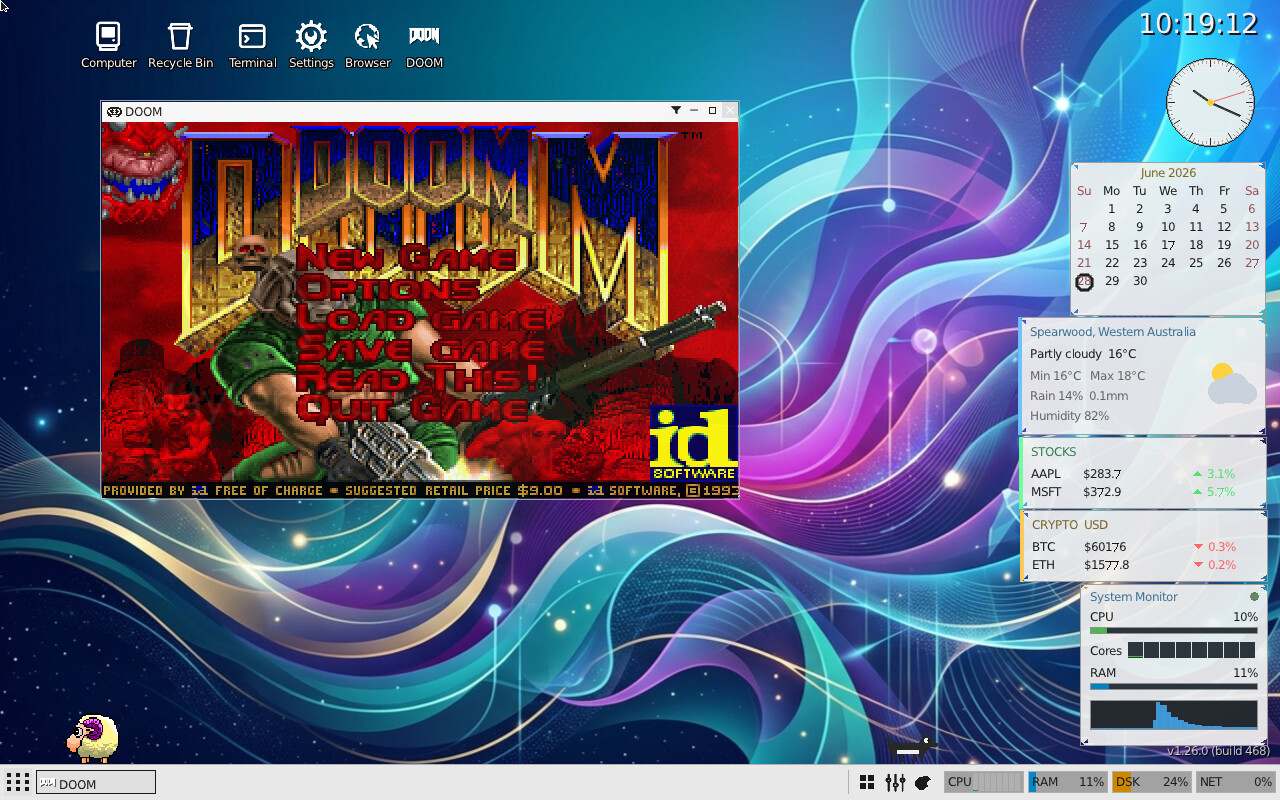
DOOM, distributed through the App Store; the classic BSD Rogue; and Maytera Squadron, an original side-scrolling shooter built for the OS with hand-tuned parallax pixel art. AssaultCube and OpenArena, two open-source first-person shooters, have been ported onto MayteraOS's own OpenGL-style graphics stack with real 3D rendering, mouse look and gunfire, but are withheld from the current public repository and release pending an open-source license compliance pass on their bundled engine trees; see Licenses.
// the apps, up close
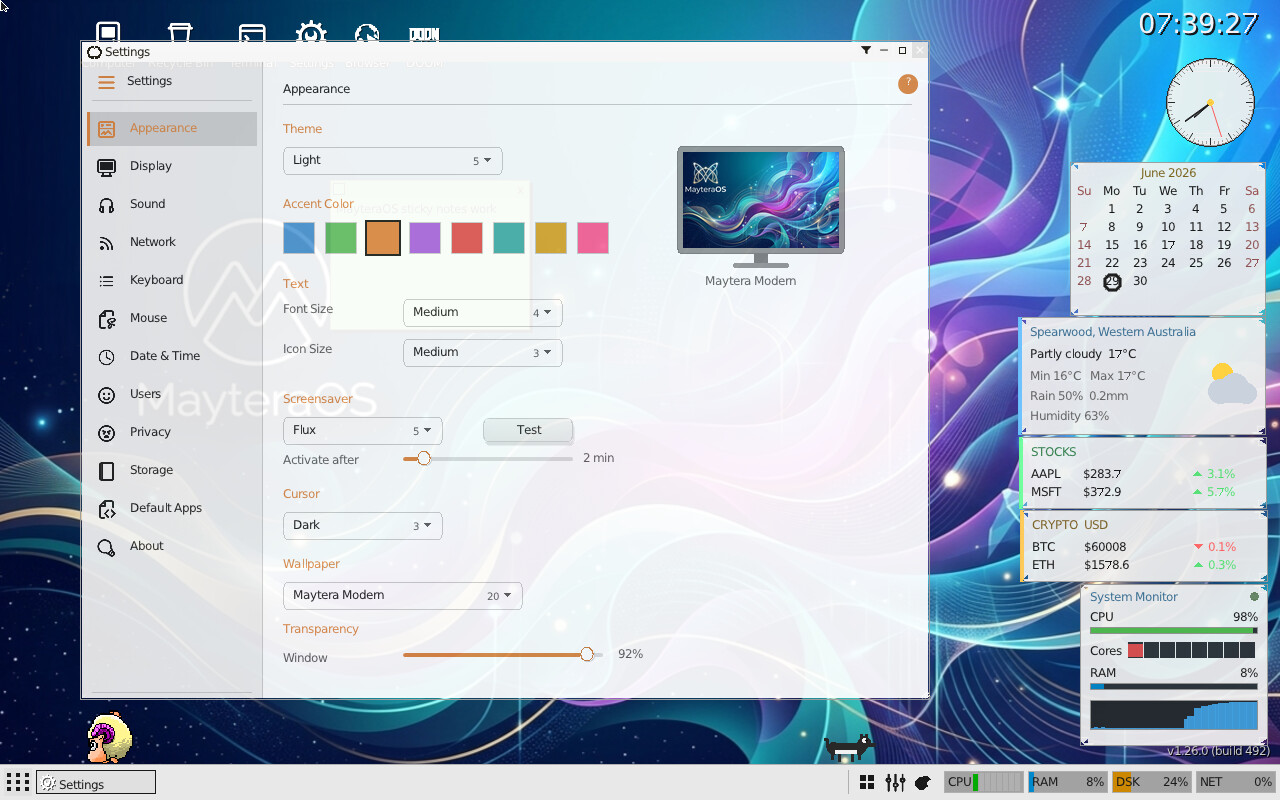
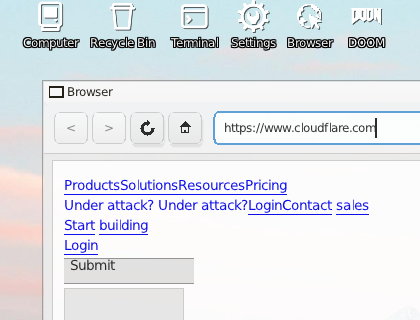
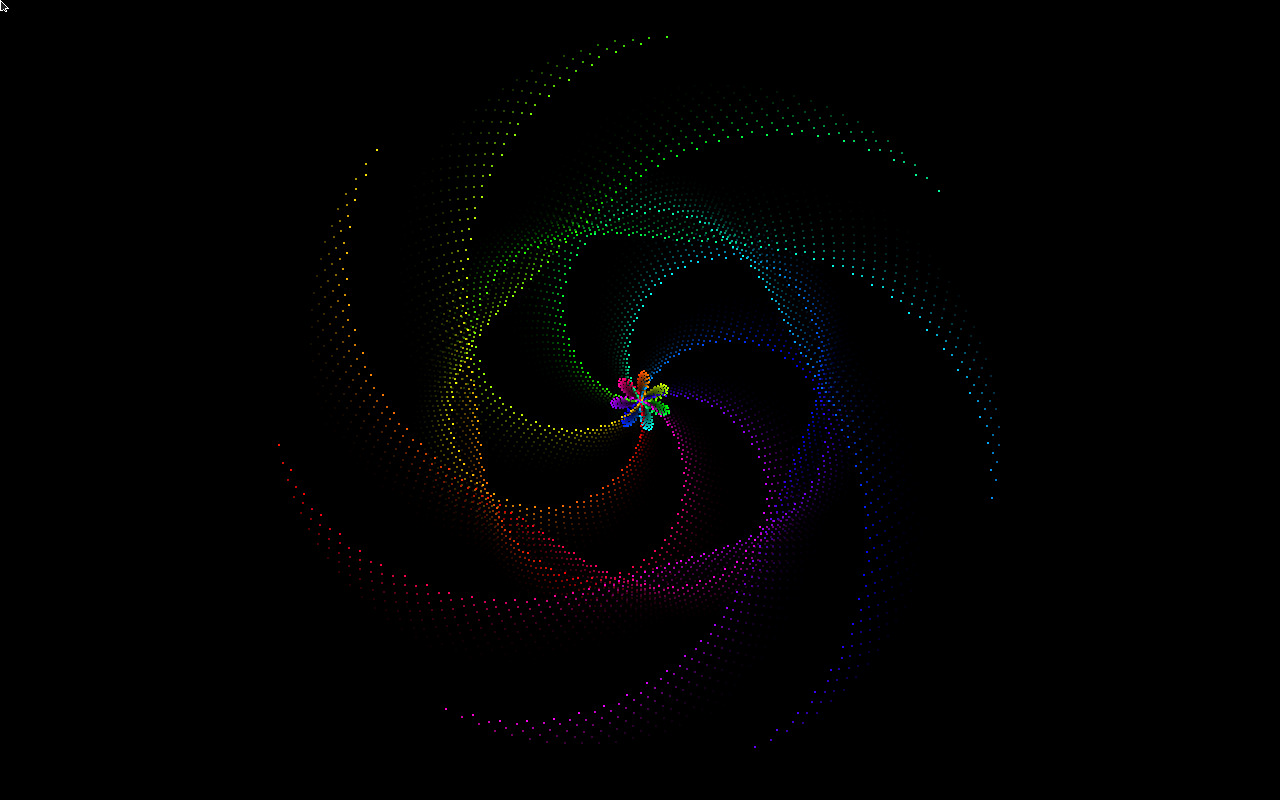
All captured from the running framebuffer in QEMU.